 Farah
Farah 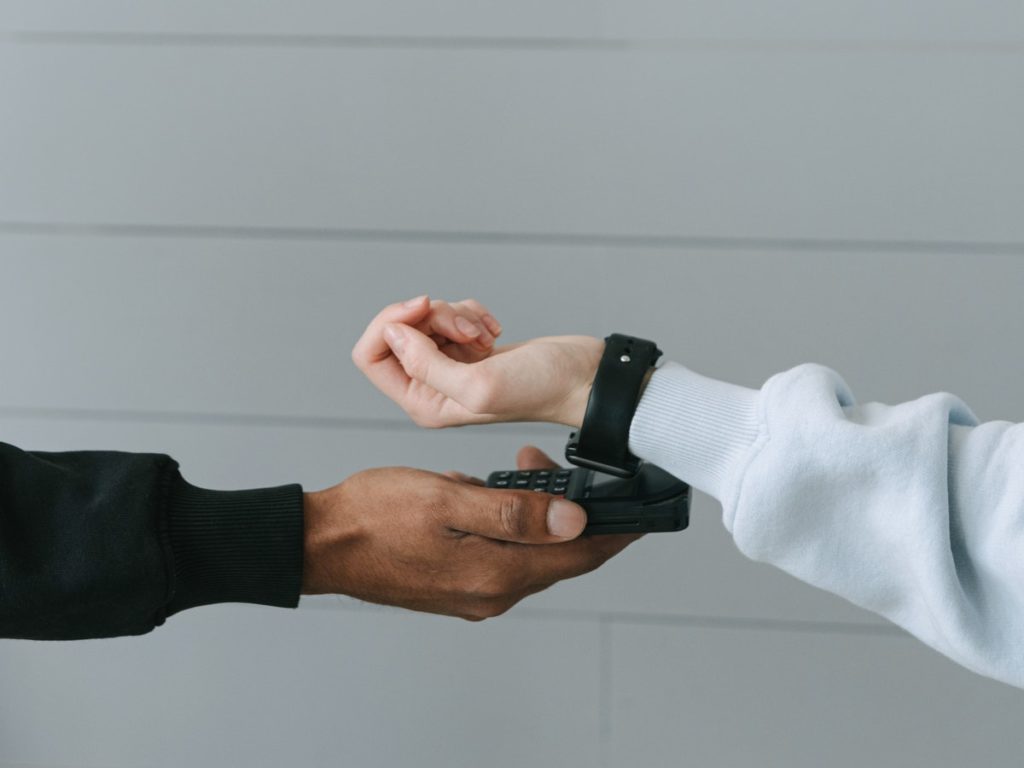
Make your Smartwatch payment experience easier with your Fitbit or Garmin watch
With your Hello bank! card, use your Fitbit or Garmin connected watch to pay for your expenses quickly and securely, at no cost thanks to NFC technology.
It’s practical: you no longer have to take out your wallet or bank card. With your connected watch, you can pay for your purchases even above €50, within the limit of your payment card. In addition, you keep all the benefits linked (insurance, assistance, etc.) to your bank card.
It’s secure: with Fitbit Pay* or Garmin Pay** your payments are secure, your payment card data is protected: it is neither stored nor shared.
WHICH SMARTWATCH MODELS ARE COMPATIBLE?
For Fitbit Pay compatible watches, see the list on the Fitbit site.
For Garmin Pay compatible watches, see the list on the Garmin website.
HOW TO SET UP FITBIT PAY?
To start using the Fitbit Pay payment service, add a Hello bank! credit or debit card. in the Wallet section of the Fitbit app:
1- Open your Fitbit app on your smartphone or tablet, then tap your profile picture.
2- Tap on the image of your watch, then on the “Wallet” tile.
3- Let yourself be guided.
4- Once you’ve added a credit card, follow the on-screen instructions to enable notifications on your phone (if you haven’t already) to complete setup.
HOW TO SET UP GARMIN PAY?
You can add up to 10 credit or debit cards to your Garmin Pay wallet. To add your BNP Paribas credit card, please follow these steps:
1- From the main page of your Garmin Connect Mobile application, select your device then Garmin Pay > Create your wallet.
2- Follow the on-screen instructions which include creating a password and adding your card for payment.
For more information or tutorial videos, visit the Garmin website.
HOW TO PAY WITH FITBIT PAY?
To pay with your connected watch:
Open the Fitbit Pay screen on your watch:
• Versa 2 watches: If you chose Fitbit Pay as your shortcut button, press and hold the button on your watch for 2 seconds to activate it. If not, swipe up and down on the screen and tap the "Fitbit Pay" icon.

• Other connected watches: when you are ready to pay, press and hold the button on the left of the device for 2 seconds. Swipe to the "Payments" screen if nothing appears. If prompted, enter your 4-digit PIN. Your default card appears on the screen.
Keep your wrist close to the payment terminal
When the payment is complete, your watch vibrates and a confirmation appears on the screen.
HOW TO PAY WITH GARMIN PAY?
1- Swipe to access the Garmin Pay shortcut or access the wallet icon by pressing the top button for 2 seconds.
2- Enter your code & pay! within 60 seconds, hold your watch close to the payment reader, with the watch facing the reader.
The watch vibrates and displays a green check mark when communication with the reader is complete. Payment is processed using the payment card you selected. While wearing the watch, you can make payments for the rest of the day without re-entering your password. If you turn off heart rate monitoring, remove the watch from your wrist, or 24 hours have passed, you must re-enter the code before making a payment.
While wearing the watch, you can make payments for the rest of the day without re-entering your password. If you turn off heart rate monitoring, remove the watch from your wrist, or 24 hours have passed, you must re-enter the code before making a payment.